Drone Shoot Colour Grading. A great drone shoot is only the beginning. Proper colour correction and colour grading are what give aerial footage a professional, cinematic finish.
For DJI drone footage shot in D-Log or D-Log M, the footage may initially look flat and washed out. This is intentional and provides more flexibility during post-production.
Drone Shoot Colour Grading
The Right Drone Colour Grading Workflow
1. Correct Exposure
Balance highlights, shadows and overall brightness. Use scopes whenever possible instead of relying only on your monitor. DJI recommends using the waveform to establish a balanced tonal range.
2. Fix White Balance
Make sure buildings, roads and other neutral objects look natural. Avoid unwanted blue, green or orange colour casts.
3. Convert Log to Rec.709
For D-Log footage, use the appropriate D-Log-to-Rec.709 conversion or a properly managed colour workflow. The conversion gives the flat log footage a normal viewing appearance.
4. Adjust Contrast and Saturation
Add controlled contrast and saturation to create depth. Avoid excessive saturation, especially in greenery and skies.
5. Enhance the Important Colours
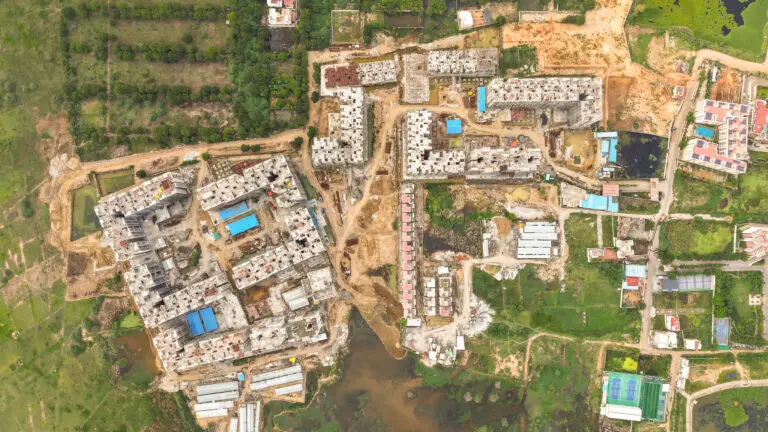
For real estate drone videos, carefully balance:
- Natural green vegetation
- Clean blue skies
- Neutral building colours
- Detailed roads and surroundings
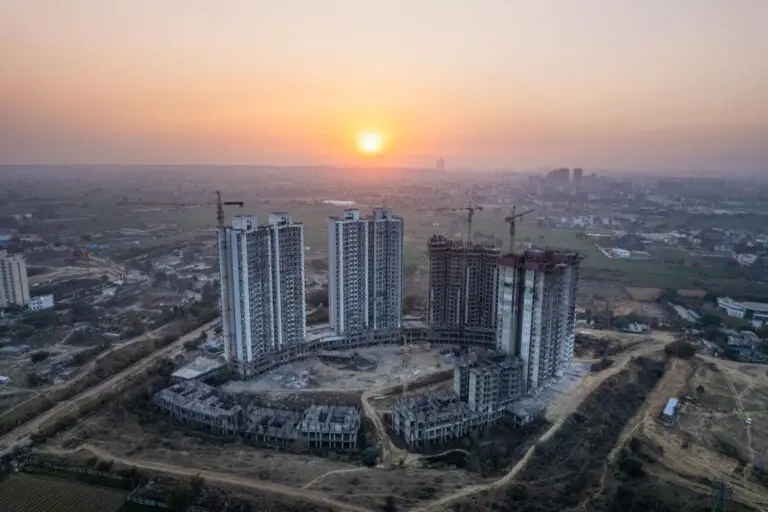
- Warm sunset tones
6. Apply the Cinematic Look
Only after correction should you add a creative look. A subtle warm highlight and slightly cooler shadow treatment can create a premium cinematic appearance without making the footage look artificial.
7. Match All Shots
Finally, match exposure, white balance and colour between different aerial shots so the entire video feels consistent.
The Golden Rule
Colour correction makes the footage accurate. Colour grading makes it attractive.
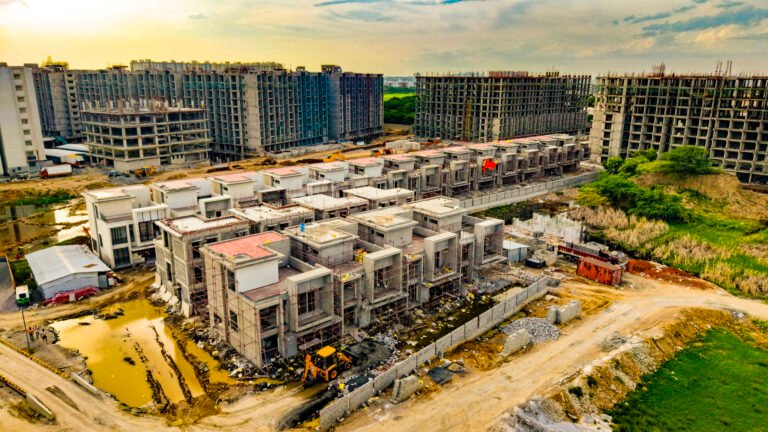
For real estate drone shoots, the goal should not be extreme colours. The property should look premium, natural and believable.
At MyDigitalBrand, professional drone footage can be enhanced with colour grading, cinematic editing, 3D graphics, GPS road markings, fly-through text and other visual effects to create high-impact real estate promotional videos.
Shoot professionally. Grade naturally. Market creatively. Generate more leads.
Final Thoughts
A professional drone video is not created simply by flying an expensive drone.
The final result comes from the complete workflow:
Planning → Shooting → Exposure → Colour Correction → Colour Grading → Editing → Graphics → Delivery
For real estate marketing, the goal is not to make the footage look heavily edited. The goal is to make the property look premium, attractive and believable.
A well-balanced colour grade can make ordinary aerial footage feel significantly more polished and can help your drone video integrate better with cinematic text animations, 3D maps, GPS overlays, road markings and other visual elements used in modern real estate advertising.
If you’re using DJI Air 2S D-Log M footage, the same principles apply: start with the correct technical transformation, then correct exposure and white balance before creating your creative look. DJI lists the Air 2S as supporting D-Log M with an official D-Log M-to-Rec.709 LUT